

Teach about outbreaks by creating one Prepare for an outbreak by creating one
A simulated pathogen spreads through participants’ real interactions. After the outbreak ends, the group reviews the epidemic curve, contact network, and transmission patterns generated by the experience.
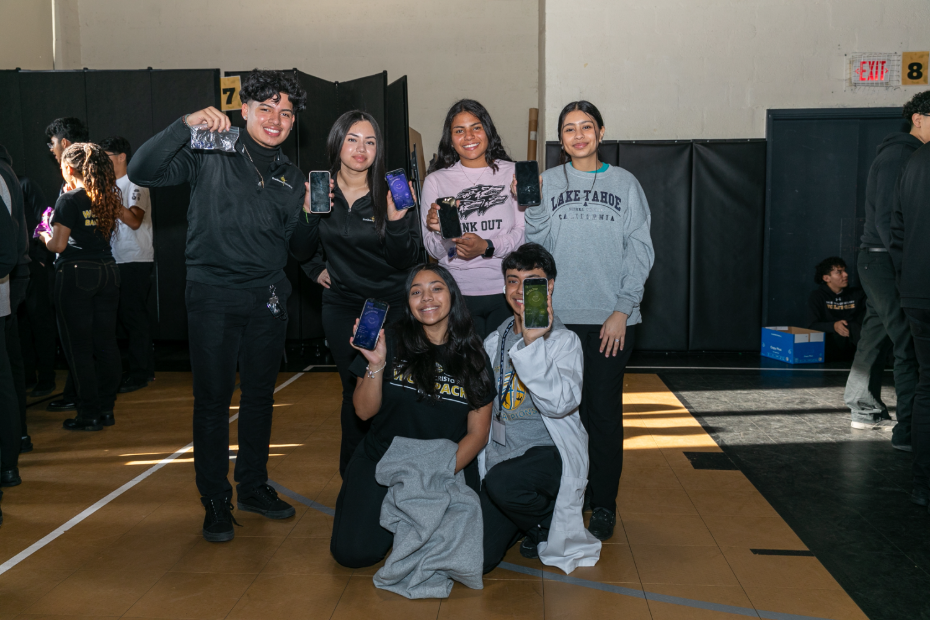
Students experience a simulated pathogen spreading through their real interactions. After the outbreak ends, they use the epidemic curve, contact network, and transmission patterns they created to investigate what happened.
The Core Simulation
A simulated pathogen moves through a real group of people, featuring the dynamics of a real outbreak such as an incubation period, asymptomatic carriers, breakthrough cases, and transmission shaped by who spends time near whom.
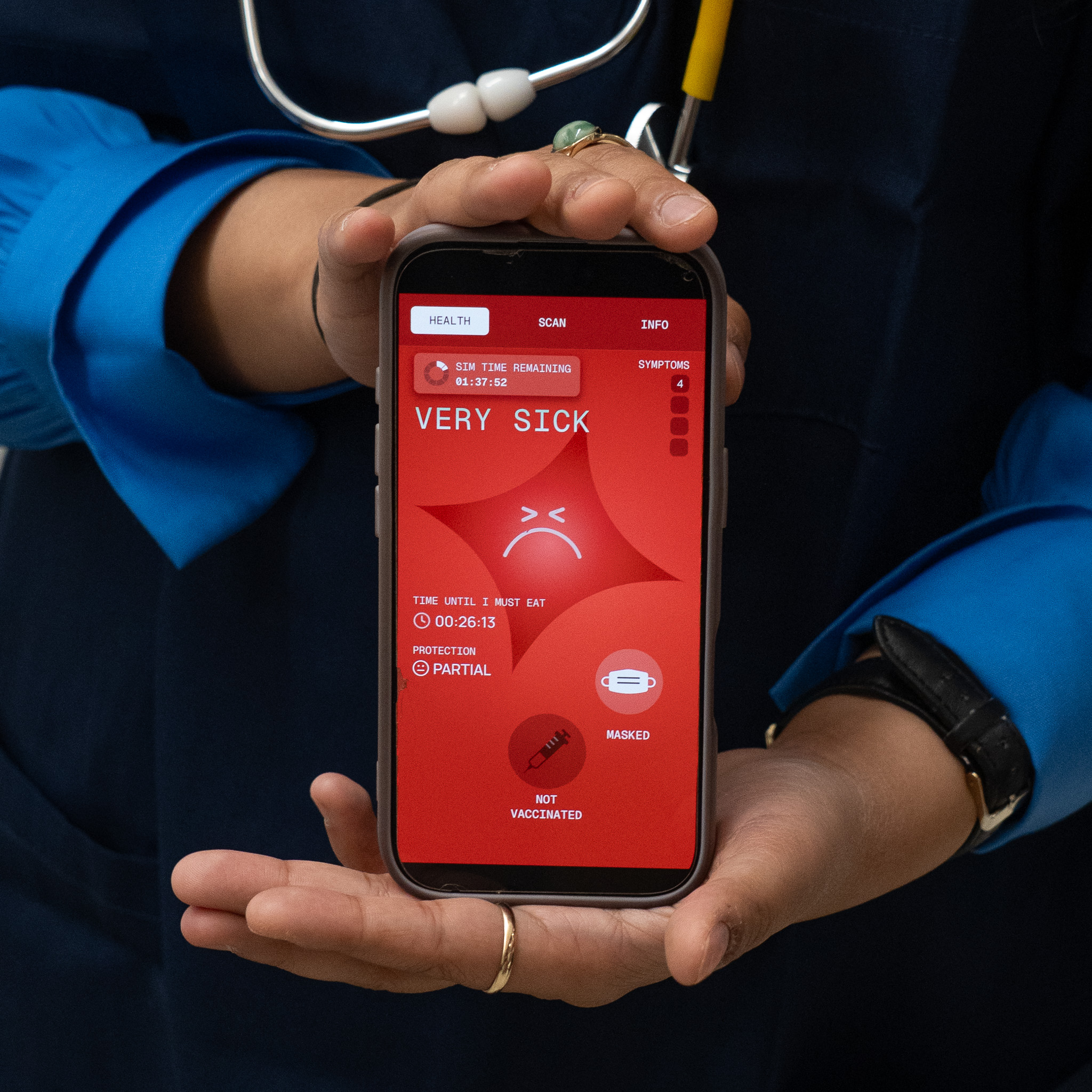
Everyone joins with a code and receives a random identity. Participants can see their own health status, but they cannot see who infected them or how the pathogen has spread. This limited view mimics the information flow of a real outbreak. People make decisions with partial information, then see the full picture during the debrief.
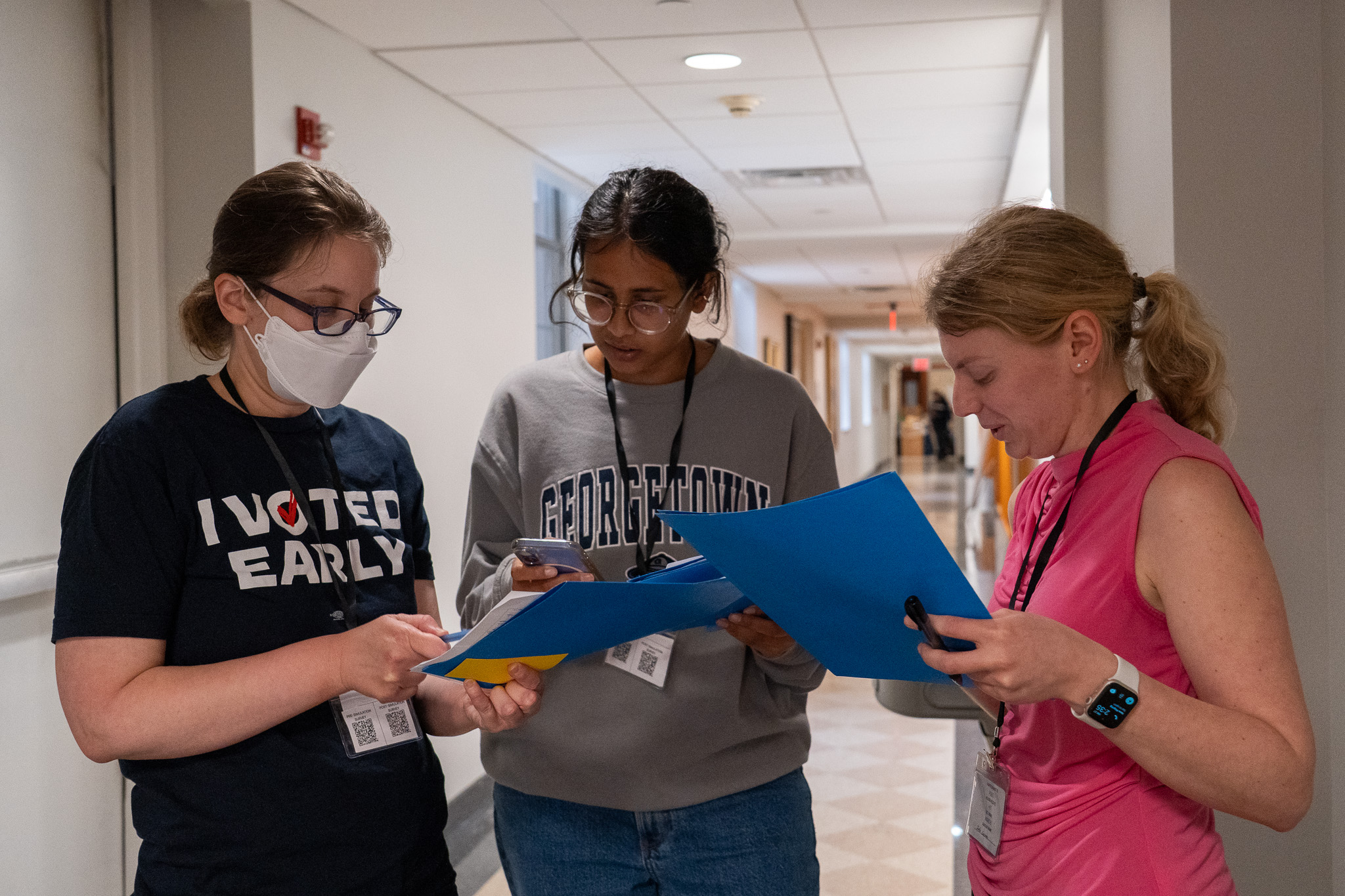
- Easy to run. Create the simulation, distribute the join code, and prepare any countermeasure materials.
- Flexible format. Use it in a classroom, workshop, conference, training, or event.
- Free to use. The app, facilitator tools, and Core simulation materials are available at no cost.
- Safe by design. No one is exposed to a real pathogen. The simulation models outbreak dynamics in a safe, controlled environment. No personal or cellphone information is collected or retained by Operation Outbreak.
Build
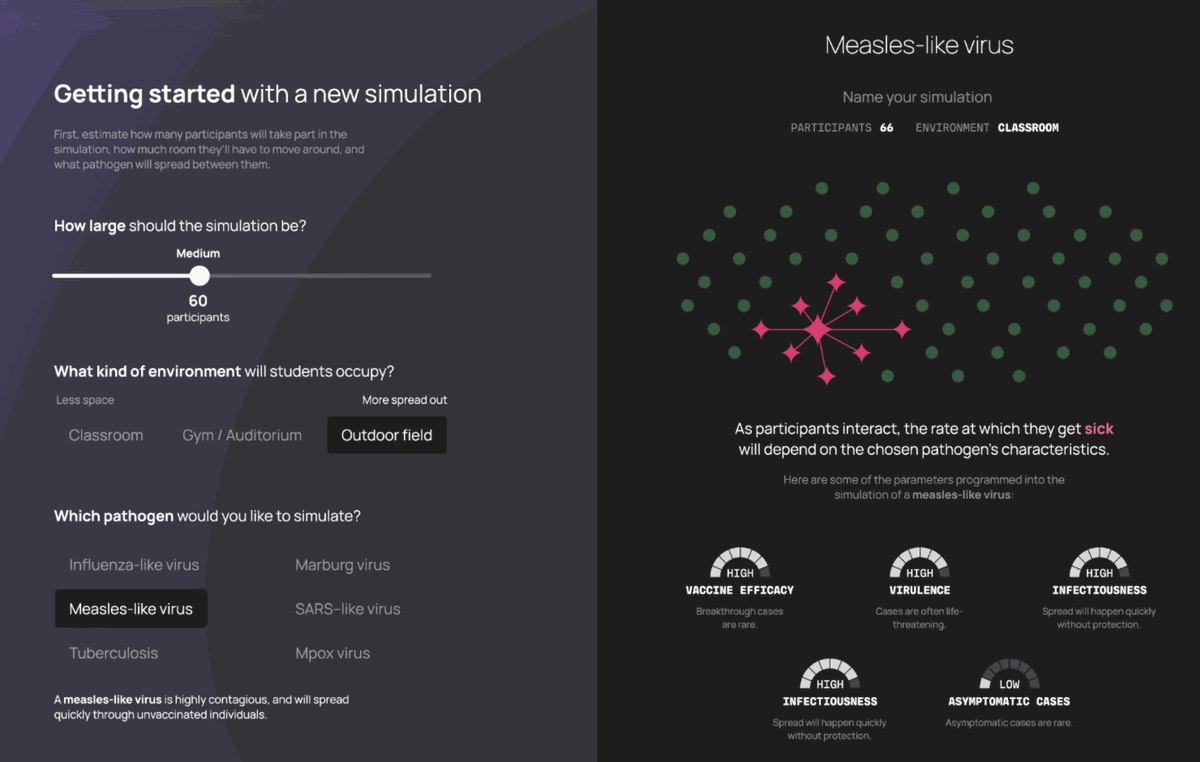
Build a simulation in Outbreak Creator in about ten minutes. Set the population size, venue, session length, and available countermeasures. You receive a join code for participants and a printable QR sheet for the countermeasures.
Experience
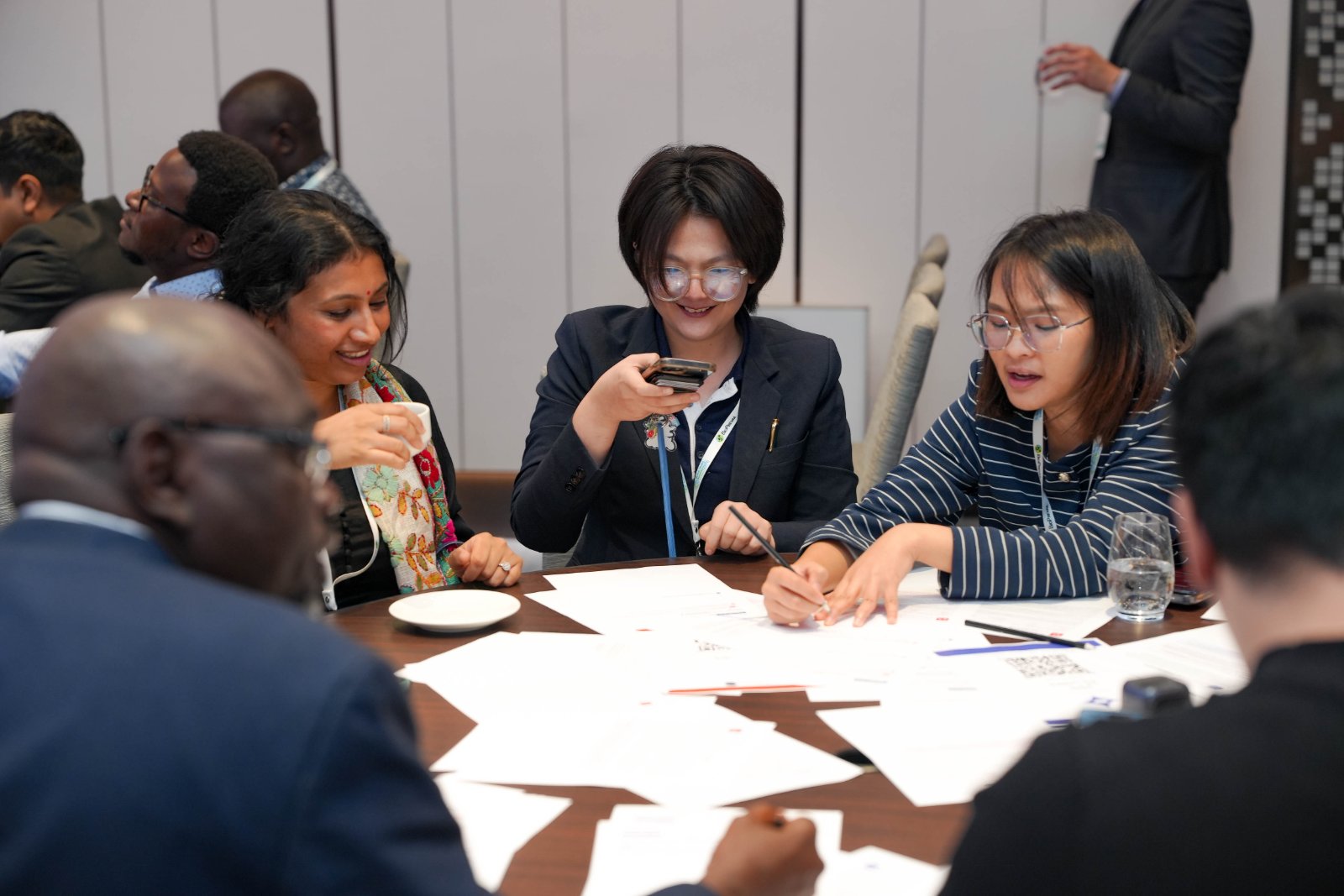
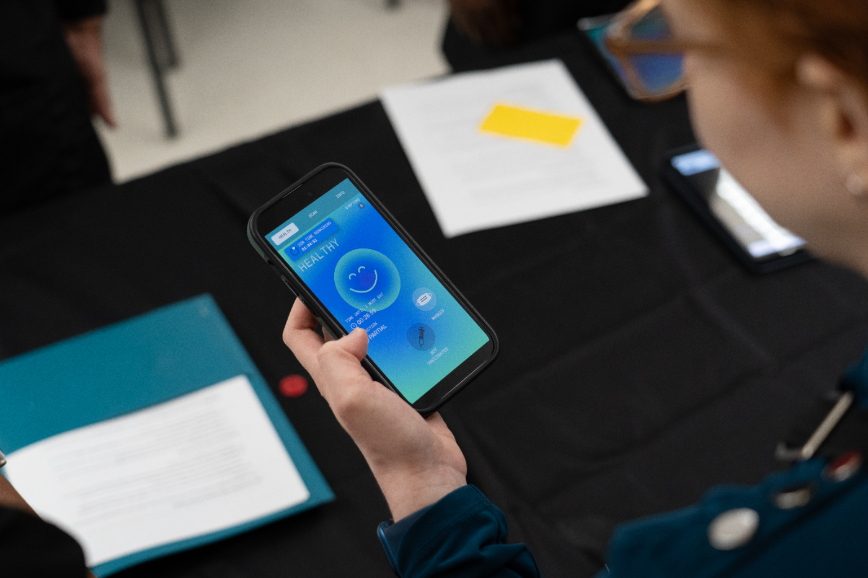
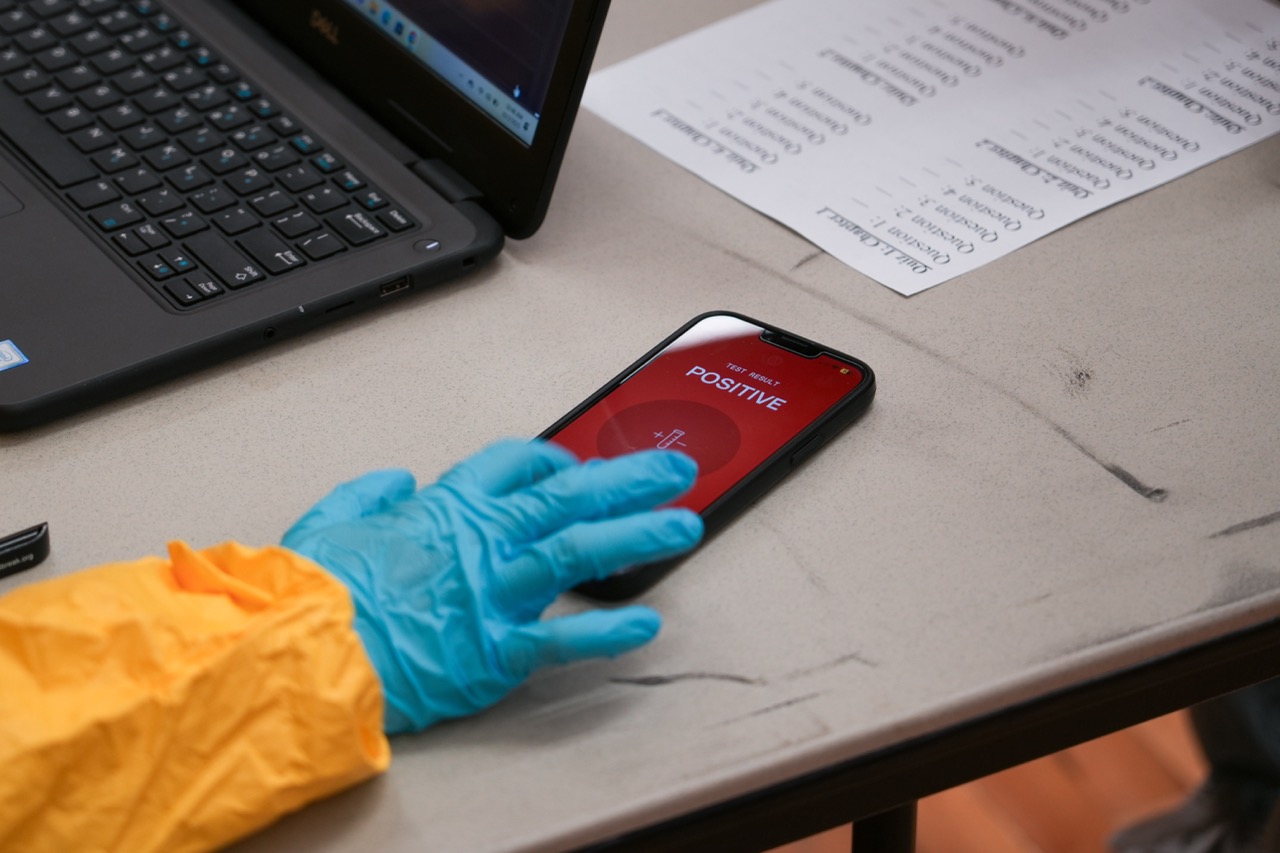
Participants join with the code and move, gather, and interact as they normally would. The outbreak unfolds in the background. Participants check their phones to see their own infection status and symptoms.
Students join with the code and move, gather, and interact as they normally would. The outbreak unfolds in the background. Students check their phones to see their own infection status and symptoms.
Countermeasures
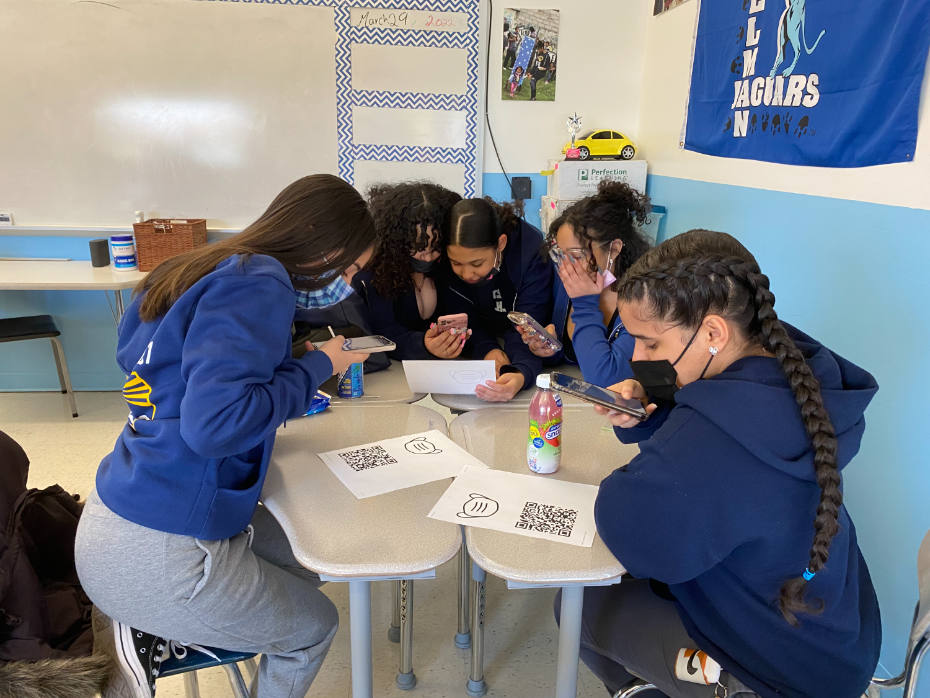
Countermeasures such as masks, tests, and vaccines are represented by QR codes placed around the room. Participants scan them to use a countermeasure. Whether people seek them out, share them, or ignore them shapes the outbreak.
Review
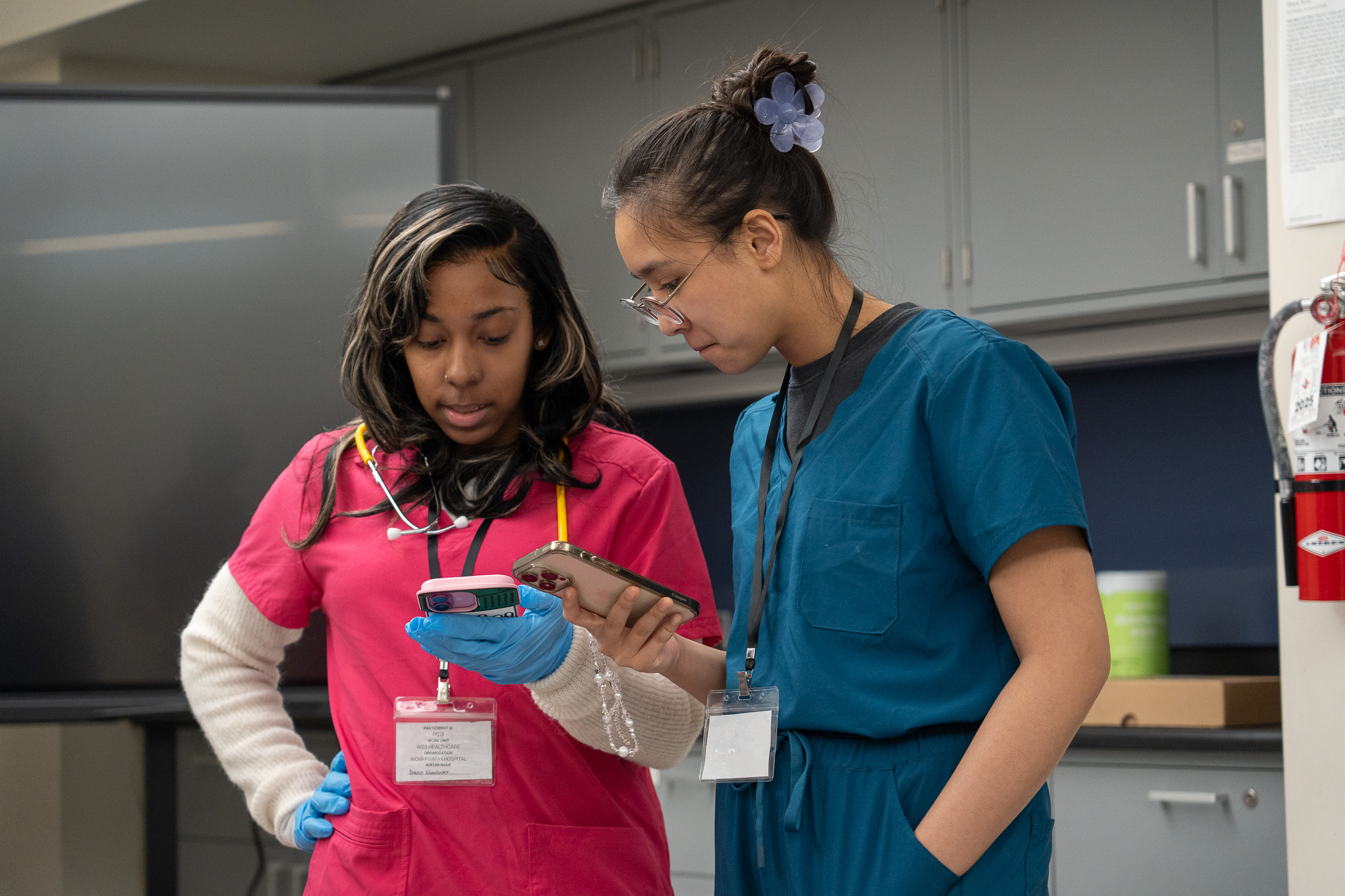
Outbreak Visualizer replays the contact network and transmission chains at any speed. Follow individual participants from first contact to recovery and see how individual actions influenced the course of the outbreak.
Afterward, Outbreak Visualizer replays the contact network. Students can follow their own avatar, see who infected them, and understand how their actions influenced the course of the outbreak.
Enhanced simulation
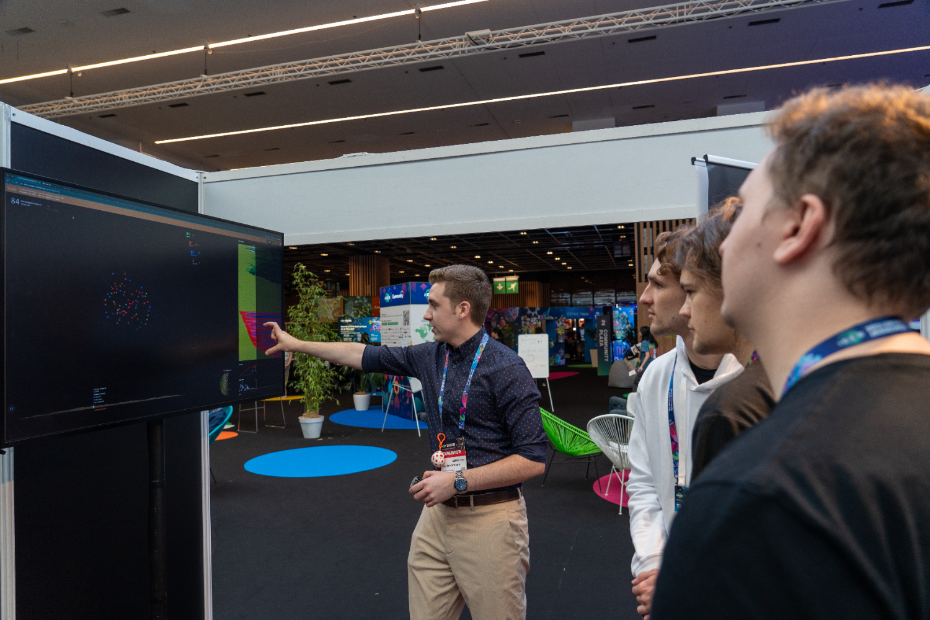
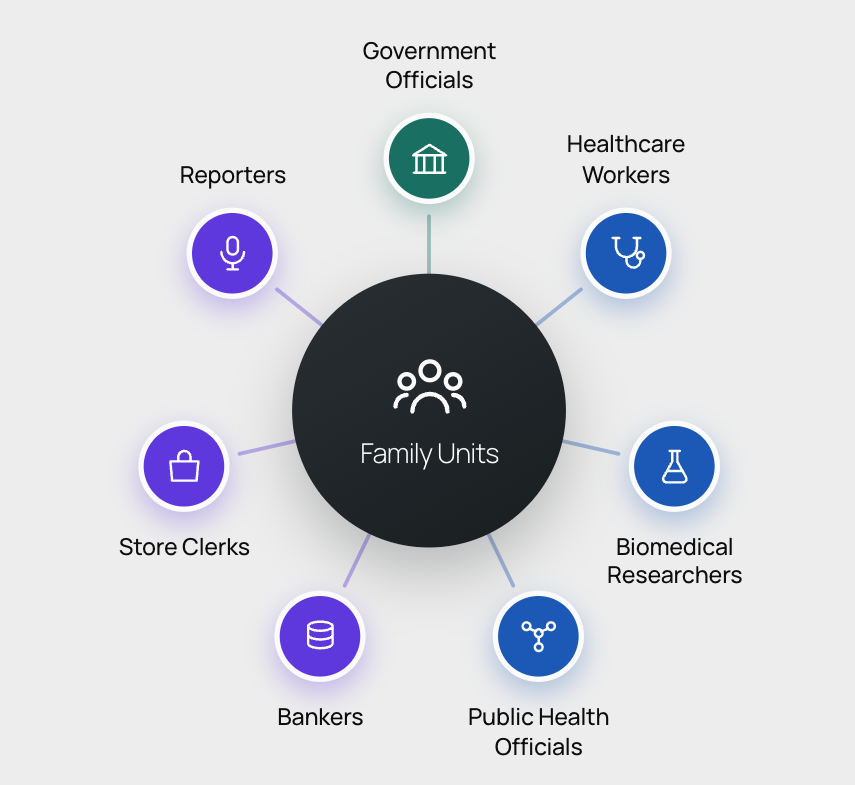
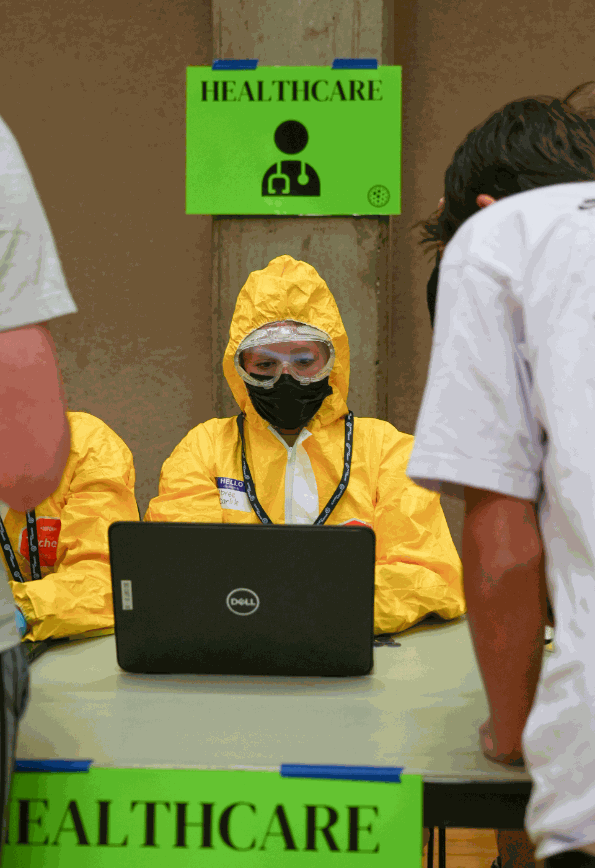
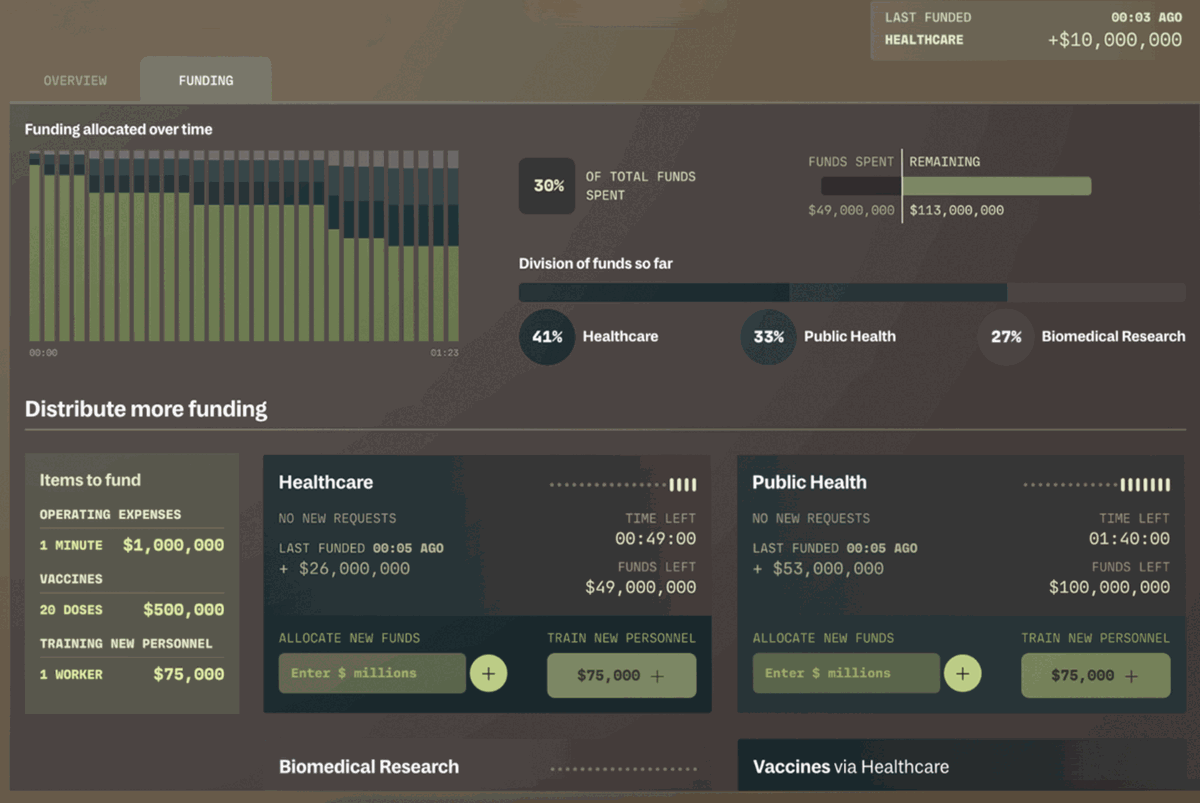
The Enhanced simulation builds on the Core format by adding assigned roles, responsibilities, resources, and scarcity. Participants may operate clinics, testing stations, businesses, or other parts of a simulated community, and work together to slow the spread.
Participants may also help collect, interpret, and act on emerging information while the exercise is underway.
The Enhanced format is best suited to groups that have already completed a Core simulation and are ready for a longer, more complex experience. It typically works best with more time and larger groups, often 100 or more participants.
Tabletop exercises
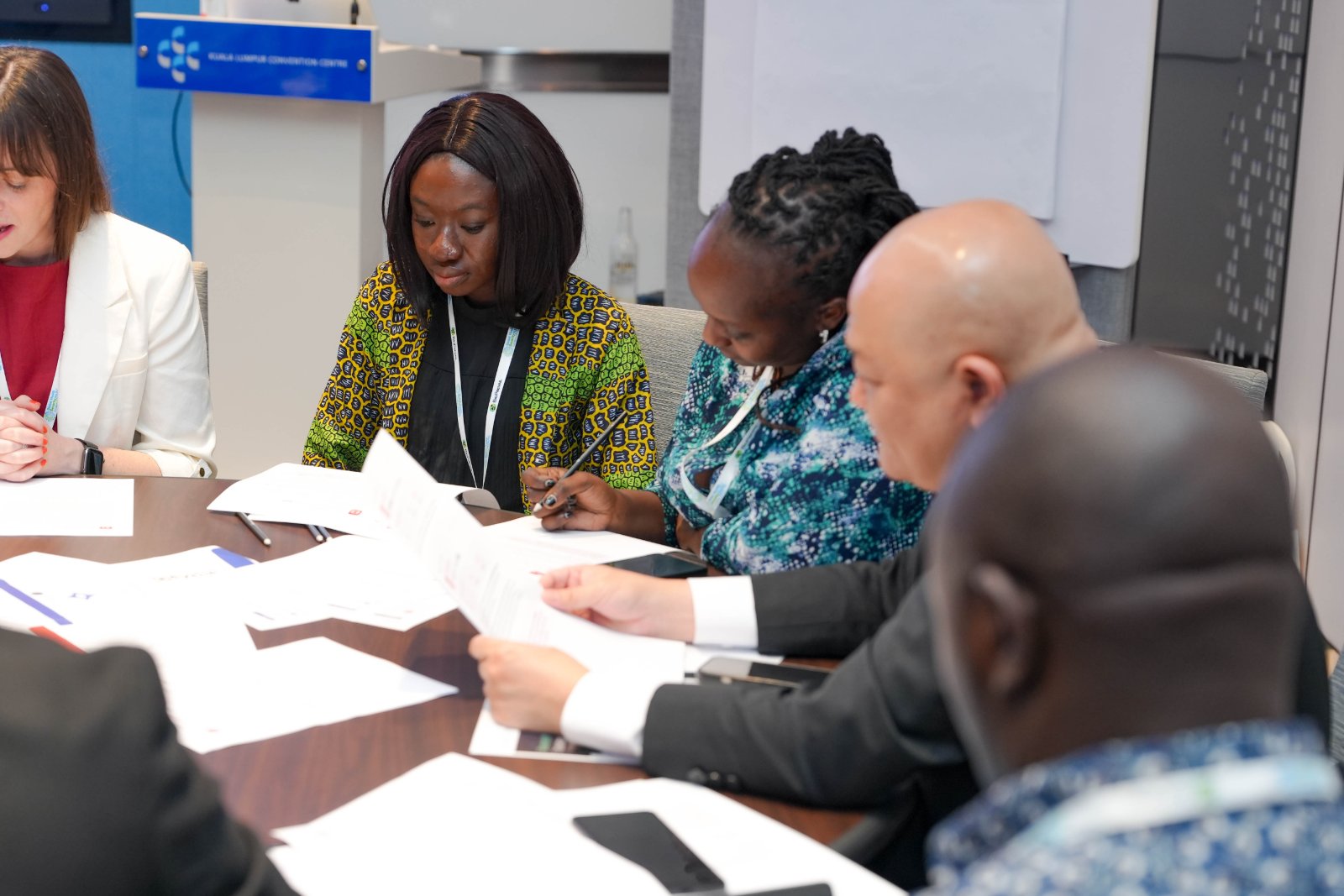
A tabletop exercise combines guided decision-making with a live outbreak simulation. Participants work from different organizational or technical roles, respond to emerging information, coordinate across functions, and adapt their decisions while the simulated outbreak continues to spread.
Operation Outbreak can design the scenario, facilitate the exercise, and support the debrief and after-action review.
Ready to run one?
Building one takes about ten minutes, and it is free.
Ready to run one?
Build it yourself in ten minutes, or add a tabletop exercise.